Track Your Video Game Collection
This is the shortest schema in the app: two fields, and a platform list that has no PS2, no Game Boy and no Mega Drive. It is a photographic shelf you can search and share, not a retro-collecting database — and this guide is straight about which of those you are getting before you spend an evening on it.
A shelf catalogue, not a grading registry
Be told this before you start rather than after: Video Games is the shortest schema in the app. Two fields of its own — Platform and Year — on top of the universal ones.
That makes it good at one thing and bad at another, and the split is clean. Good at: what do I own, what condition is it in, what did I pay, and can I show someone. Bad at: the structured detail a serious retro catalogue turns on. If you are tracking sealed WATA-graded investments, a specialist database is the right tool and this will annoy you.
What it records, and what it does not
The two fields
Platform is a list of six: PS5, Xbox, Nintendo Switch, PC, NES/SNES, Other. Year is a date rather than a plain year, because a game has a release day.
⚠️ That list will not hold a retro collection. There is no PS1 through PS4, no Game Boy, no Mega Drive or Genesis, no N64, no GameCube, no Dreamcast, no Saturn. A PlayStation 2 shelf files entirely under Other, and so does everything else worth collecting. Say the platform in the collectible’s name instead — Super Mario 64 (N64) — and the shelf stays readable even though it cannot be filtered.
There is no region, completeness or grading field
Three absences, and for game collecting they are the three that price a copy:
- Region — NTSC, PAL, NTSC-J. A Japanese copy and a European one are different objects at different prices.
- Completeness — sealed, CIB, loose cart, manual only. The single biggest multiplier in the hobby, and there is no field for it.
- Grading — no WATA or VGA, no slab number. The Grading section belongs to trading-card types.
All three go in the description, and they are worth writing in a fixed order so a shelf reads consistently: PAL · CIB, manual present · light shelf wear on spine.
So what is the photograph for?
Carrying what the fields cannot — and for games it does that unusually well.
Completeness is visible. A photograph of an open case showing the disc, the manual and the inserts settles “is it CIB” better than a dropdown ever would, because a buyer can check it rather than trust it. Region is printed on the spine and the back of the box. Condition is a matter of shelf wear and disc scratches, both of which photograph plainly.
Ten photos per game is more than enough: front, spine, back, the open case, the disc or cart face, and the manual.
What is it actually good for, then?
- Not buying it twice. Past a couple of hundred games, a searchable shelf in your pocket is what stops the duplicate at the swap meet — the same argument as any large collection.
- Paid, Est. value and Where acquired are real fields, not description text. For a collection assembled over years from car boots and eBay, that is the record worth having.
- Showing it. A shared shelf link opens in any browser with no app and no account — and a wall of spines is one of the more photogenic collections there is.
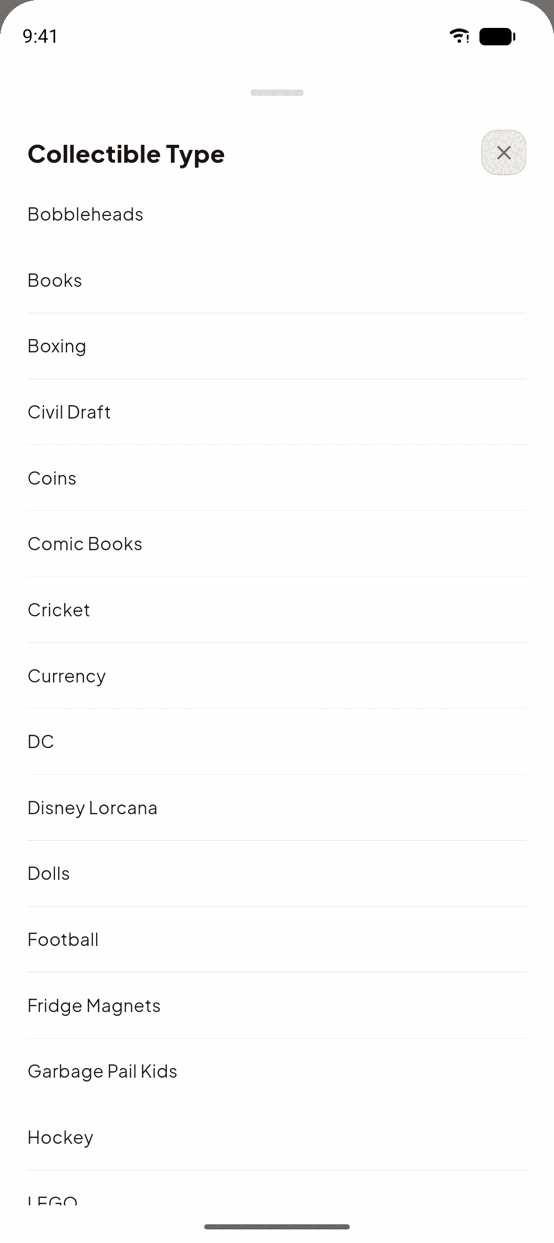
Do it in TrophyShelf
- Create a collection per platform🎮 Video Games in the picker. Split by console, because the Platform field cannot do it for you beyond six values.
- Put the console in the nameSuper Mario 64 (N64). The field says Other for anything pre-PS5, so the name is what keeps the shelf readable.
- Photograph the case openFront, spine, back, then the case open with disc, manual and inserts visible. That shot is your completeness record.
- Write region and completeness firstPAL · CIB, manual present at the top of the description, same order every time, so the shelf reads consistently.
- Fill Paid and Where acquiredReal fields, and the ones a collection built over years from car boots and eBay most benefits from.
Ready to put it on the shelf?
Unlimited collections · 15 AI autofills a month · No credit card.
Start your shelf →